Introductie
Many SMEs struggle with fragmented data, manual processes, and inefficient software integrations. Data integration offers the solution for growth, scalability, and a better customer experience. By smartly consolidating data sources – think webshops, CRM, marketing, and logistics – you can get more out of your data, eliminate duplicate work, and automate time-consuming steps. Immediate benefits include faster reporting, up-to-date insights, and a strong foundation for AI and automation.
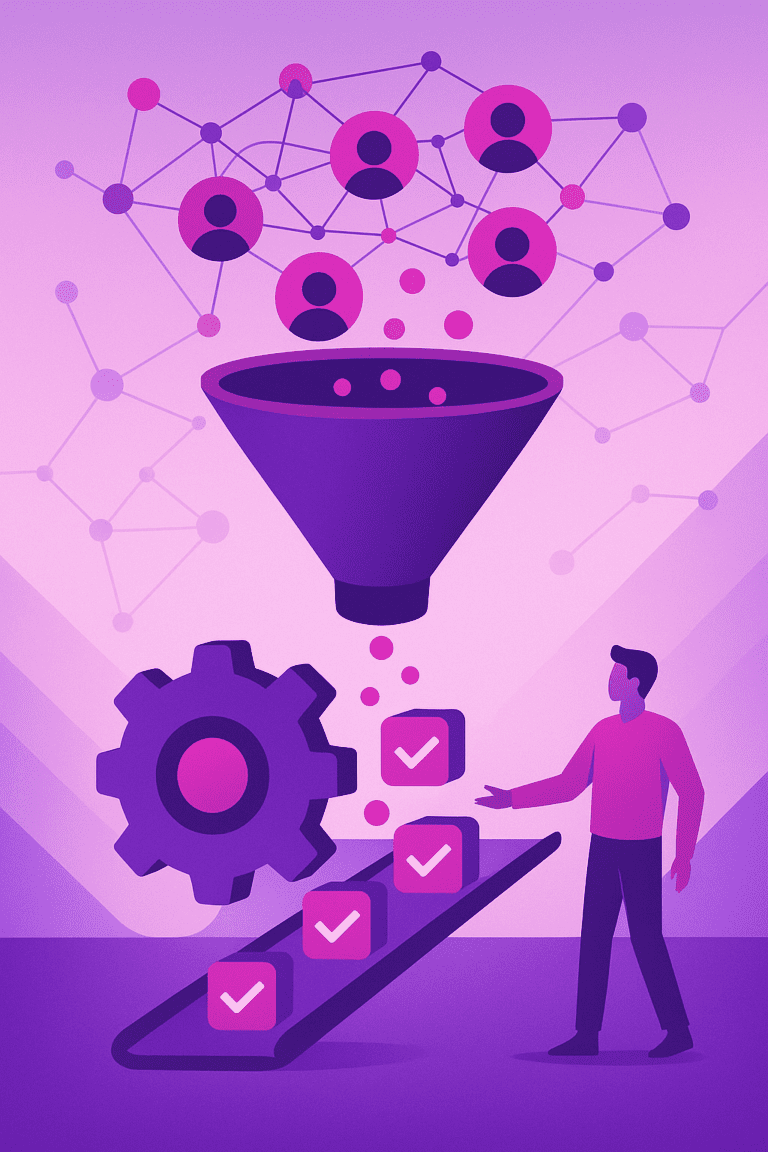
Data integration is the process of combining data from different sources into a single, unified view.
Data integration is the process of automatically merging and synchronising data from multiple, often disparate data sources (such as online shops, accounting systems, CRMs) using technologies like APIs and ETL processes, so that manual input disappears and business processes become more efficient. It enables organisations to create structured data flows, centralise data management, and achieve valuable insights and more scalable workflows with the help of automation and AI.
Data integration helps SMEs to link separate data sources, automate manual processes and make business decisions more quickly.
Voordelen
-
Faster reporting and better decision-making
Integrated data means real-time insights and reporting, enabling you to make faster, informed decisions within your SME business.
-
Reduction of manual work (automation)
Data integration eliminates time-consuming manual tasks – think manual importing or retyping – freeing up more time for growth.
-
Better customer experience through up-to-date data
Through integration, you always have up-to-date customer and order information, which improves service and prevents errors in customer communication.
-
Greater scalability and flexibility
Integrated systems allow you to easily connect new tools, expand processes, and grow without additional data management.
Nadelen / Beperkingen
-
Implementation can be complex
Without the right expertise, integrating systems can be tricky, especially when data sources are set up in completely different ways.
-
Initial costs and time investment
The initial phase requires investment – both financial and in terms of time – before the first efficiency benefits become apparent.
-
Risk of data loss with incorrect links
Incorrect configuration can lead to erroneous data flows or even data loss. Thorough testing and monitoring are therefore essential.
Voorbeelden
-
Webshop links order data directly with accounting package
A clothing store connects WooCommerce to Exact Online. Orders are processed directly in the accounts and inventory is automatically updated.
-
Marketing dashboard automatically collects data from various channels
Een digitaal bureau laat een dashboard elke nacht automatisch gegevens ophalen uit Facebook Ads, Google Analytics en hun CRM, zonder handmatig downloaden.
-
CRM system synchronises customer data with email marketing platform via API
A service provider is linking HubSpot with Mailchimp via an API, so that new leads land directly in the correct newsletter segments.
Stap-voor-stap
-
Determine the purpose of your data integration
Inventory which processes or results you wish to achieve, such as more efficient administration or better marketing reports.
-
Map all relevant data sources
Note which internal and external systems need to be connected (CRM, webshop, accounting, etc.).
-
Choose the right data integration tool or software
Select a platform that matches your technical knowledge: from no-code solutions to advanced integration tools.
-
Configure the links and test thoroughly
Connect the parts, perform test runs, and thoroughly check that all data comes through without errors.
-
Evaluate, monitor and expand where necessary
Measure the impact, resolve issues, optimise processes and add extra links based on new needs.
Tools
-
Zapier Bekijk →
Zapier allows you to easily connect and automate hundreds of apps (like Shopify, Mailchimp, Google Sheets) without any coding knowledge.
-
Make (formerly Integromat) Bekijk →
Make offers powerful no-code scenarios for integrating and automating data flows between websites, SaaS platforms, and databases.
-
Fivetran Bekijk →
Fivetran automates the syncing, loading, and transforming of data from hundreds of sources into your data lake or BI tool.
Use cases
-
Automatic lead synchronisation between website and CRM
Website contact forms send lead information directly to the CRM system, making follow-up faster and more personal.
-
Real-time stock updates between webshop and logistics system
Stock changes in the webshop are forwarded directly to the logistics system, ensuring sales and deliveries are always in sync.
-
Automated reporting for monthly marketing campaigns
Marketing data from various sources comes together in one dashboard, making reports available centrally and without manual input.
Veelgestelde vragen
No, the need is precisely growing in SMEs. Modern integration tools are affordable and user-friendly, allowing even smaller companies to benefit quickly.
Good tools use encryption and comply with GDPR guidelines. Always check the security options and opt for reliable platforms.
Not necessarily. Many no-code tools can be set up yourself. For complex integrations or a lot of customisation, external expertise can be useful.
Serious integration tools offer notifications or recovery options for errors. Monitor automations and always have a backup plan in place.
Platforms like Zapier, Make, and many cloud solutions are specifically designed for small and medium-sized businesses – quick to deploy, clearly priced, and scalable.