
Introductie
Many entrepreneurs wonder how to make their systems work together smartly. The key to optimal automation often lies in using APIs. More and more business software, from accounting tools to email marketing, is being linked via APIs. By understanding APIs and using them smartly, you improve efficiency, reduce errors, and open doors to new marketing opportunities. In this article, as an SME, you will discover everything you need to know about APIs: from the definition and different types to concrete examples and practical applications.
What is an API? Definition
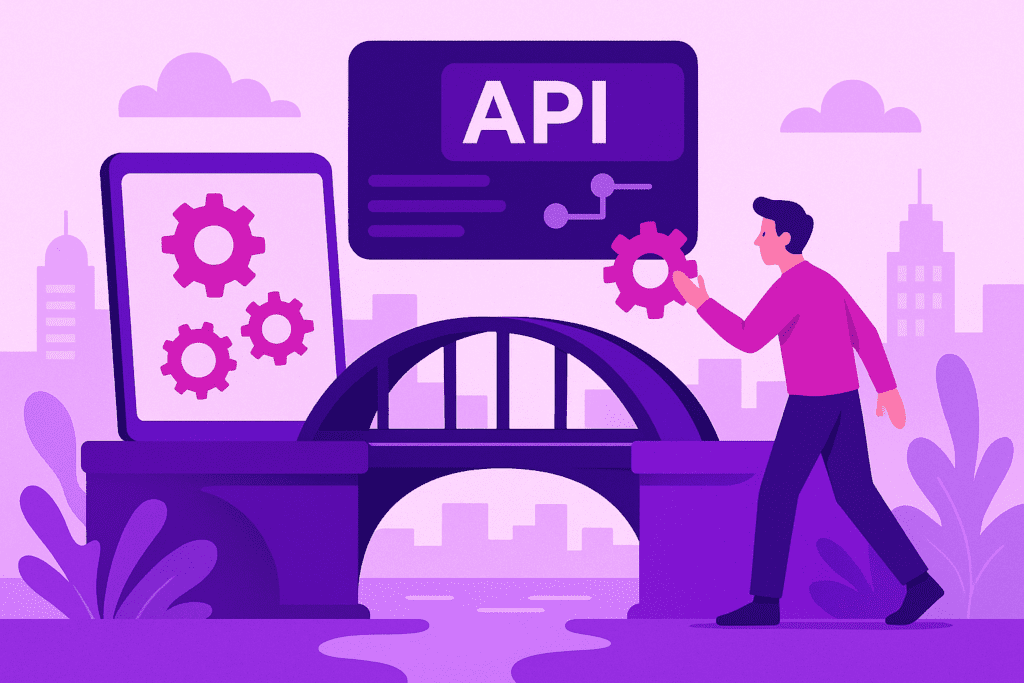
An API (Application Programming Interface) is a digital interface that allows various software applications to securely and directly exchange data with each other, enabling entrepreneurs to quickly connect systems, automate processes, and work more efficiently. API connections are essential for modern SME automation, marketing, and software integration.
An API is a digital link that allows various software solutions to communicate effortlessly with each other.
Voordelen
-
Automation of business processes
APIs eliminate manual work by allowing systems to communicate directly with each other, such as automatically processing webshop orders in your accounting system.
-
Save time and prevent errors
By automatically synchronizing data between, for example, CRM and email marketing tools, input errors are significantly reduced.
-
Real-time marketing insights
APIs provide direct access to up-to-date data from, for example, advertising platforms, which helps with rapid campaign optimization.
-
Simple integration of new tools
With APIs, you can quickly add external applications to your tech stack without developing custom solutions.
Nadelen / Beperkingen
-
Security risks
Poorly secured APIs pose a risk of data breaches or misuse of business information.
-
Dependence on external parties
You rely on the stability and policies of external suppliers. If their API is unavailable, your integration will not work either.
-
Learning curve and potential costs
Understanding API documentation takes time, and some integrations require an investment in external expertise.
Voorbeelden
-
Connect webshop with inventory management
Every online order is processed immediately in the inventory management system, so you never have to say no to a customer.
-
Integrate newsletter platform with customer database
New customers are automatically added to your email marketing system; no more manual imports needed.
-
Automate social media from a single dashboard
Via an API, you post messages directly to multiple social media platforms simultaneously and automatically synchronize statistics.
Stap-voor-stap
-
Map out which processes you want to automate
Identify manual tasks — such as duplicate data entry — that can be simplified via API integration.
-
Check whether your software offers API support
Check your software's settings or manual to see if a (REST or SOAP) API is available, and ask the vendor if necessary.
-
Choose a suitable integration tool or platform
Use no-code (such as Zapier or Make) or ask your IT partner to create a direct connection.
-
Test the integration extensively
Check with test data whether the API connection works reliably and monitor data traffic for errors.
-
Ensure security and maintenance
Implement authentication and access management, keep up with API updates, and optionally set up automatic alerts for problems.
Tools
-
Zapier Bekijk →
No-code platform that lets you connect more than 5,000 apps via APIs without programming knowledge.
-
Make (formerly Integromat) Bekijk →
Visual workflow builder for advanced API integrations, suitable for SME processes.
-
Postman Bekijk →
Tool for testing, developing, and monitoring APIs — ideal for validation and debugging.
Use cases
-
Automatically link customer data to email marketing
New sign-ups on your website are forwarded directly to your newsletter platform, without manual imports.
-
Real-time inventory exchange between webshop and warehouse
Orders and returns are updated immediately, which prevents you from saying 'no' to customers or incorrectly reserving stock.
-
Connecting the client portal to external accounting software
Invoices and payments are automatically synchronized thanks to an API between your customer portal and your accounting package.
Veelgestelde vragen
A well-secured API is safe, provided that authentication and encrypted connections are used. Always choose software vendors who take security and privacy seriously.
Technical knowledge is not required for no-code API tools. For advanced integrations, however, it helps if your IT partner provides support or if you engage a specialist.
Some older software does not offer an API. In that case, consider data import/export or ask the vendor whether an (open) API is still possible.
That varies: no-code tools are often affordably priced, while custom APIs cost more due to development and maintenance. Start small for a good understanding of costs.
Absolutely, there are tools like Postman that allow you to easily test APIs before deploying them live. This way, you can be sure that the integration works.